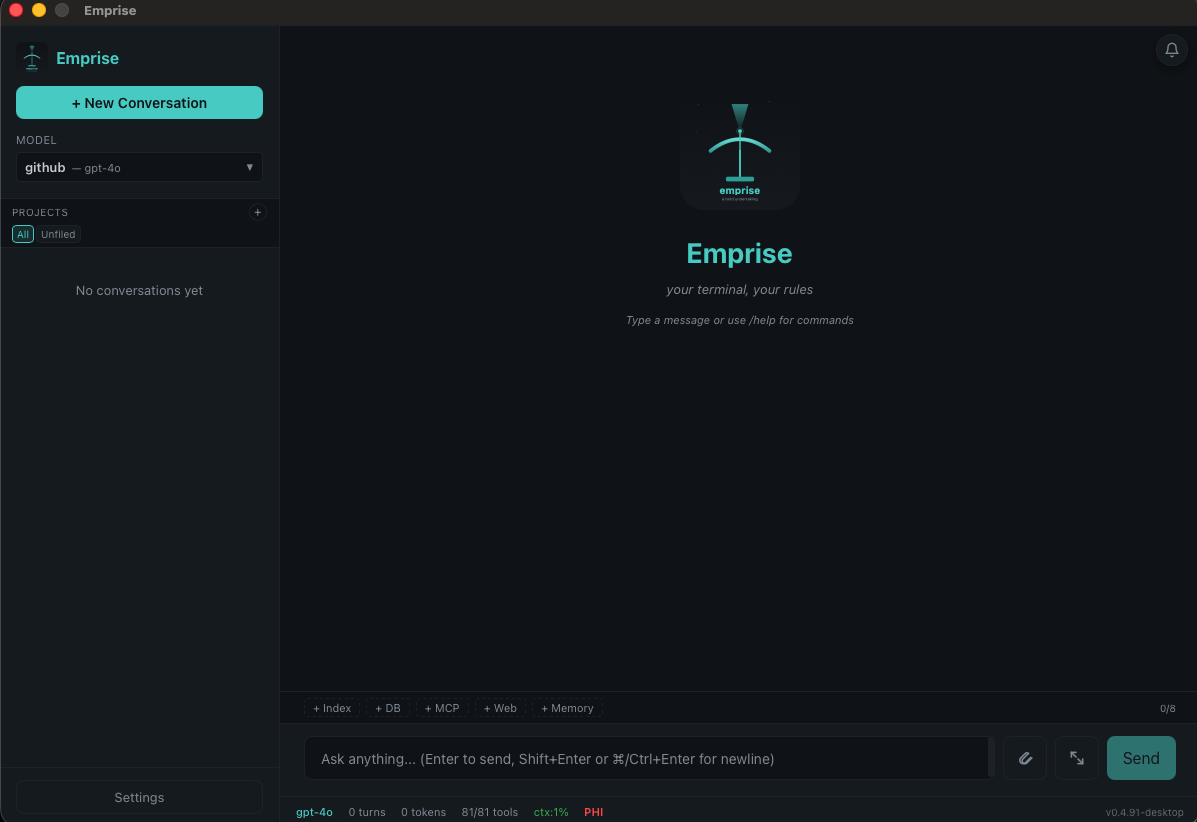
Everything you need to work with AI assistants, manage your environment, and handle documents — from the terminal or the desktop.
96+ Built-in Tools
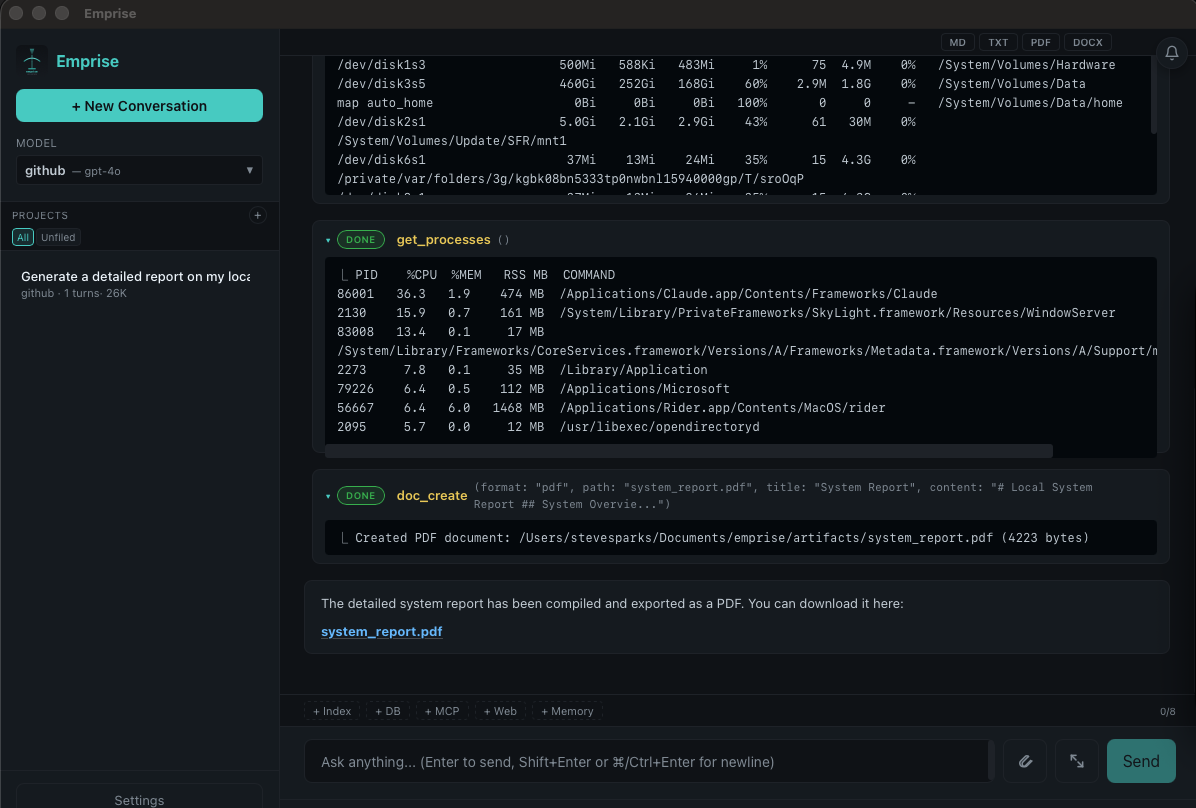
System monitoring, file management, git operations, shell execution, Docker, SSH, databases, web fetching, document parsing, image handling, JSON processing, and more — across 22 categories.
Document Intelligence
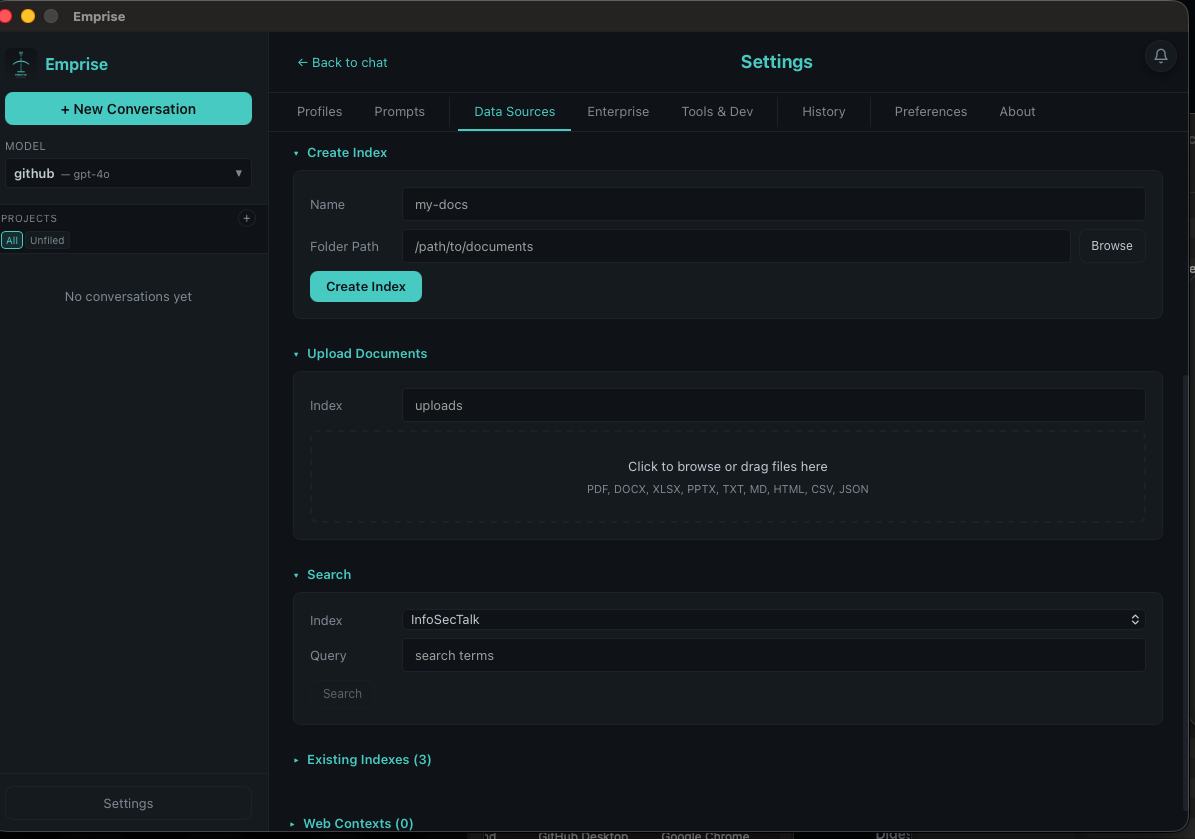
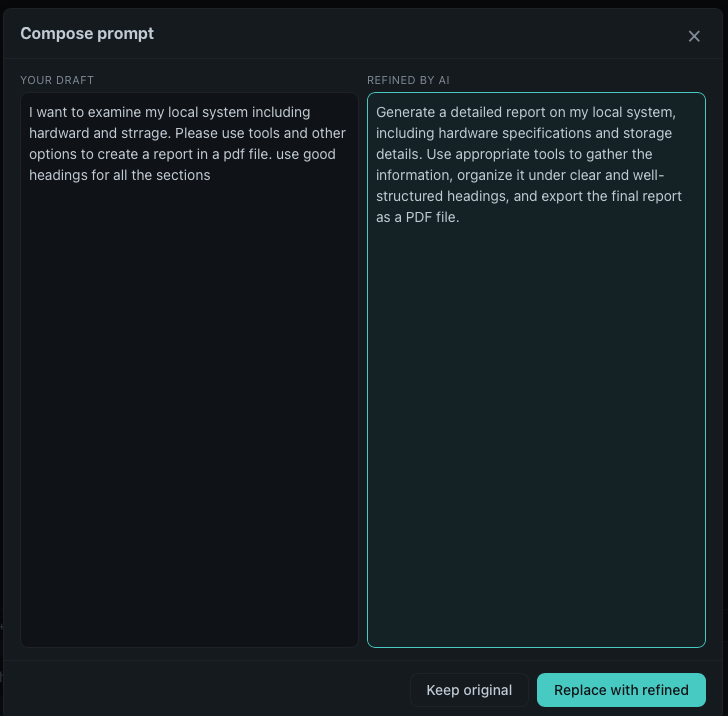
Index documents with FTS5 full-text search. Generate PDF, DOCX, HTML, Markdown, and plain text. Parse and ingest PDF, DOCX, XLSX, CSV, and more into conversations.
7 LLM Providers
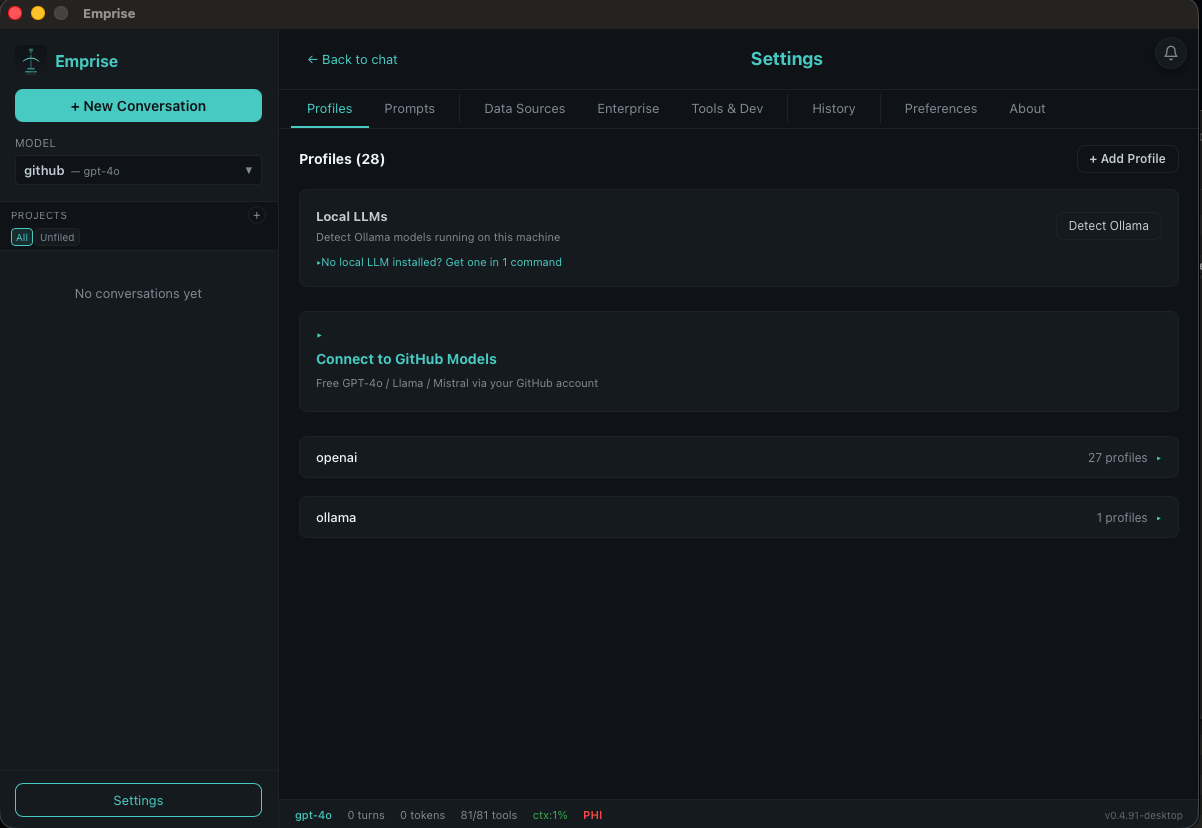
Ollama (local), OpenAI, Anthropic, Google Gemini, GitHub Models, Azure OpenAI / AI Foundry, and custom OAuth endpoints. Switch providers instantly with profiles.
Vision: Paste Images
Paste an image from your clipboard — terminal or desktop — and the model actually sees it. Multi-image attachments with automatic downscaling, across OpenAI, Anthropic, and local multimodal models.
Reliable & Cost-Smart
Automatic retries with visible backoff status, provider prompt caching (99% cached input measured on repeat turns), lazy tool loading that cuts per-round tokens ~74%, and real-dollar session costs with zero setup.
Encrypted Key Storage
API keys are never written in plaintext. Each secret is encrypted at rest with ChaCha20-Poly1305 into ~/.emprise/secrets.dat and referenced from your profile by handle. Existing plaintext keys migrate automatically on first launch — your config is backed up, then rewritten to use references. Keys are never sent to a model.
Standard vs Advanced Setup
First-run setup is lean: provider → key → model → chat. The profile editor shows only what matters up front; base URL, auth type, PHI mode, streaming, tokens, temperature, context size, timeouts, and tool rounds tuck behind a collapsible Advanced settings section.
Plan Mode — /plan
/plan <goal> has the model propose an ordered, tool-aware plan: each step lists the tools it will use. Review it, delete steps, refine with feedback, then approve to execute through the normal flow. Think before you run.
Usage Analytics — /stats
/stats shows a GitHub-style activity heat map of the last ~12 weeks plus a Top Tools breakdown of which tools you actually use most. See your real working patterns at a glance.
Resilient on Slow Networks
Updates stream with a live progress bar (percent, transferred/total, speed) instead of timing out on hotspot or gym wifi. Install, build, and network shell commands (brew, npm, apt, pip, git, go, docker) get a 15-minute timeout so long operations finish.
Built for Scripting
emprise --json emits machine-readable results with exit codes for cron and CI. Search your chat history with /find, attach files with @path and Tab completion.
PHI/HIPAA Compliance
Toggle PHI mode to restrict all data to local-only processing. Enforces Ollama-only, disables network tools, enables audit logging, validates endpoints.
6-Layer Prompt System
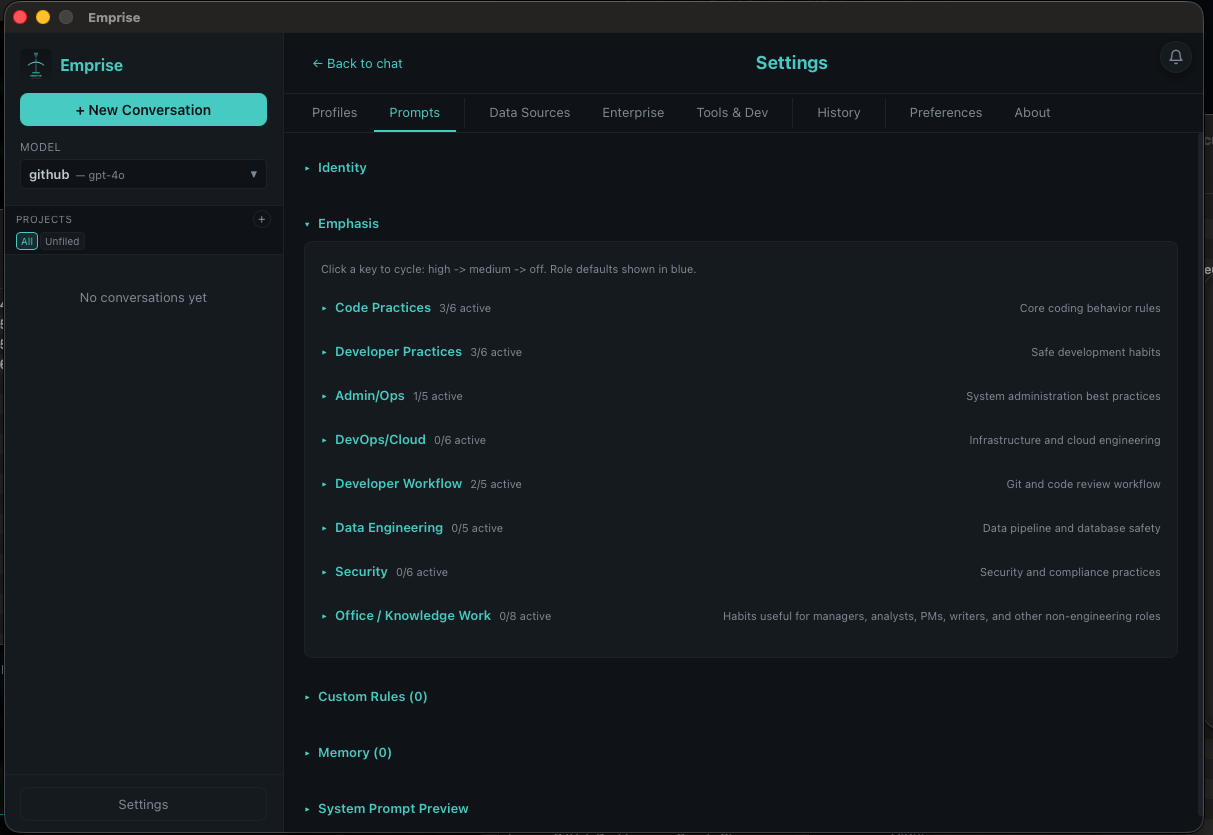
Base identity, capability tier, role defaults, user rules, model overrides, and emphasis rules. Role presets for developer, devops, cloud, data, security, and admin.
Database Tools
Query SQLite, PostgreSQL, MySQL, and SQL Server. Inspect schemas, describe tables, convert CSVs to SQLite. Formatted table output with execution timing.
Desktop + CLI
Native desktop app built with Wails + Svelte alongside the terminal CLI. Both share the same configuration, tools, prompts, and conversation history.
OAuth 2.0 Enterprise
Device-code and authorization-code flows for enterprise identity providers. Automatic token refresh. Connect to any OpenAI-compatible endpoint behind OAuth.
Cron Scheduling
Schedule recurring tasks with cron expressions. Automated queries, system checks, report generation, and more — running on your schedule.
Config Versioning
Configuration backup and versioning with export/import. Share setups across machines. Track changes to your emprise configuration over time.
Configurable Output
Set output limits per model or globally. Control response length, tool calls per turn, and context window usage. Tune for speed or depth.
Dev Environment Audit
/dev scans 40+ tools across categories. Missing something? Select it and emprise installs it. Platform-aware: brew, apt, or winget.